Give your agents a memory.
Build a multi-agent travel planner with persistent memory. Start with an existing hands-on workshop.
Open the workshop (opens in new tab) Azure Cosmos DB developer hub
Build apps and AI agents on a globally distributed database. SDKs, tools and samples, plus the community and training to go with them.
Give an AI agent a memory: store it, then recall it by meaning.
pip install azure-cosmos
# container has a vector index on /embedding# embed() calls your embedding modelcontainer.upsert_item({"id": "m1","userId": "ava","text": "Prefers window seats","embedding": embed("Prefers window seats"),})hits = container.query_items(query="SELECT TOP 3 c.text, VectorDistance(c.embedding, @q) AS score ""FROM c ORDER BY VectorDistance(c.embedding, @q)",parameters=[{"name": "@q", "value": embed("Where should Ava sit?")}],partition_key="ava",)
dotnet add package Microsoft.Azure.Cosmos
// container has a vector index on /embedding// Embed() calls your embedding modelPartitionKey pk = new("ava");await container.UpsertItemAsync(new Memory("m1", "ava", "Prefers window seats", Embed("Prefers window seats")), pk);QueryDefinition query = new QueryDefinition("SELECT TOP 3 c.text, VectorDistance(c.embedding, @q) AS score " +"FROM c ORDER BY VectorDistance(c.embedding, @q)").WithParameter("@q", Embed("Where should Ava sit?"));using FeedIterator<MemoryHit> hits = container.GetItemQueryIterator<MemoryHit>(query, requestOptions: new QueryRequestOptions { PartitionKey = pk });record Memory(string id, string userId, string text, float[] embedding);record MemoryHit(string text, double score);
com.azure:azure-cosmos (Maven / Gradle)
// container has a vector index on /embedding// embed() calls your embedding modelcontainer.upsertItem(new Memory("m1", "ava", "Prefers window seats", embed("Prefers window seats")));SqlQuerySpec query = new SqlQuerySpec("SELECT TOP 3 c.text, VectorDistance(c.embedding, @q) AS score "+ "FROM c ORDER BY VectorDistance(c.embedding, @q)",new SqlParameter("@q", embed("Where should Ava sit?")));CosmosPagedIterable<MemoryHit> hits = container.queryItems(query,new CosmosQueryRequestOptions().setPartitionKey(new PartitionKey("ava")),MemoryHit.class);
npm install @azure/cosmos
// container has a vector index on /embedding// embed() calls your embedding modelawait container.items.upsert({id: "m1",userId: "ava",text: "Prefers window seats",embedding: await embed("Prefers window seats"),});const { resources: hits } = await container.items.query({query:"SELECT TOP 3 c.text, VectorDistance(c.embedding, @q) AS score " +"FROM c ORDER BY VectorDistance(c.embedding, @q)",parameters: [{ name: "@q", value: await embed("Where should Ava sit?") }],},{ partitionKey: "ava" },).fetchAll();
go get github.com/Azure/azure-sdk-for-go/sdk/data/azcosmos
// container has a vector index on /embedding// embed() calls your embedding model// error handling omitted for brevitypk := azcosmos.NewPartitionKeyString("ava")body, _ := json.Marshal(map[string]any{"id": "m1", "userId": "ava", "text": "Prefers window seats","embedding": embed("Prefers window seats"),})_, _ = container.UpsertItem(ctx, pk, body, nil)pager := container.NewQueryItemsPager("SELECT TOP 3 c.text, VectorDistance(c.embedding, @q) AS score "+"FROM c ORDER BY VectorDistance(c.embedding, @q)",pk,&azcosmos.QueryOptions{QueryParameters: []azcosmos.QueryParameter{{Name: "@q", Value: embed("Where should Ava sit?")}, // []float64}},)
cargo add azure_data_cosmos futures
// container has a vector index on /embedding// embed() calls your embedding modellet memory = Memory {id: "m1".into(),user_id: "ava".into(),text: "Prefers window seats".into(),embedding: embed("Prefers window seats"),};container.upsert_item("ava", "m1", memory, None).await?;let query = Query::from("SELECT TOP 3 c.text, VectorDistance(c.embedding, @q) AS score \FROM c ORDER BY VectorDistance(c.embedding, @q)",).with_parameter("@q", embed("Where should Ava sit?"))?;let mut hits = container.query_items::<MemoryHit>(query, FeedScope::partition("ava"), None).await?;while let Some(hit) = hits.try_next().await? {println!("{} ({})", hit.text, hit.score);}
Pick your language to see its quickstart, SDK guide and API reference.
Install the SDK, connect to your account and run your first query.
Shape your data and pick a partition key that scales.
Read your data back and react to every change.
Build retrieval and agent memory on your operational data.
Trade latency, availability and consistency on purpose.
Start with a real scenario. Find the code, learn the pattern, and make it your own.
Build a multi-agent travel planner with persistent memory. Start with an existing hands-on workshop.
Open the workshop (opens in new tab)Explore retrieval-augmented generation patterns and vector search for AI-powered applications.
Explore RAG patterns (opens in new tab)Follow the four-part Code with Cosmos series, from AI-assisted development to production operations.
Explore Code with Cosmos (opens in new tab)Looking for working code? Start from a ready-made sample.Browse the sample gallery (opens in new tab)
From your first query to a credential you can show: watch it, read it, build with it, get certified.
New to Azure Cosmos DB? Start small. Run your first NoSQL queries.Try the introductory module on AI Skills Navigator (opens in new tab)
Build confidence. Prove your skills.
Design, build, and optimize scalable AI applications with Azure Cosmos DB. Bring your database fundamentals together with RAG, agent memory, and conversation state.
Explore the certification (opens in new tab)Microsoft Certified: Azure Cosmos DB AI Developer Associate.
Your learning launchpad
Start with a short module, follow the full course, or work through a learning path.
Current study guide (opens in new tab)Practice & exam scheduling on Learn (opens in new tab)
Microsoft Ignite / In person
November 17-20, 2026 / San Francisco
Meet the developer community, explore Azure Cosmos DB sessions, and take DP-420 onsite at no charge if you're a registered in-person attendee.
Testing: November 16-20. One Microsoft or one GitHub exam per eligible attendee. Registration, available seats, and official terms apply.
Explore onsite certification (opens in new tab)Data Days: AI @ Work / Online
50% exam discount request opportunity
DP-420 is included in the Data Days certification offer. Join Fabric Community, watch two Data Days sessions, then submit a discount request.
November 2-December 15. Request by December 10, 2026, while supplies last. Eligibility and offer terms apply; issuance is not guaranteed. Offer terms (opens in new tab)
Explore Data Days (opens in new tab)Catch a quick idea, then go behind the build with Azure Cosmos DB experts and community voices.
 ShortNovember 10, 2026Code with Cosmos: Build an AI Travel Planner with Azure Cosmos DB #azurecosmosdb #ai #code (opens in new tab)
 VideoNovember 10, 2026Code with Cosmos Series Trailer (opens in new tab)
 VideoOctober 16, 2026Building AI Apps Faster with Agentic Coding and Azure Cosmos DB (opens in new tab)
 VideoOctober 12, 2026How Do You Connect to Azure Cosmos DB Without Account Keys? (opens in new tab)
 VideoOctober 12, 2026How Does the Transactional Outbox Pattern Work in Azure Cosmos DB? (opens in new tab)
 VideoOctober 6, 2026Azure Cosmos DB Shell Is Now Available in the Azure Portal (opens in new tab)
 ShortOctober 5, 2026What Is Azure Cosmos DB Agent Kit? Setup in 45 Seconds #azurecosmosdb #ai #coding #githubcopilot (opens in new tab)
 VideoOctober 5, 2026Meet create-cosmos-agent: Build AI Agents Faster (opens in new tab)
 VideoSeptember 28, 2026How to Choose the Right Partition Key in Azure Cosmos DB (opens in new tab)
 VideoSeptember 28, 2026Vector Search in Azure Cosmos DB: When and How to Use It (opens in new tab)
 VideoSeptember 28, 2026How to Store AI Chat History with Azure Cosmos DB (opens in new tab)
 VideoSeptember 25, 2026Register By Oct. 11, 2026: From Idea to Working Prototype with AI + Azure Cosmos DB (opens in new tab)

Take the newly AI-focused DP-420 exam free at Microsoft Ignite—or take the certification exam today and save 50% through Data Days.
Read the article (opens in new tab)
Your project started with one or two people. Now developers, operators, analysts, and applications all need access to Azure Cosmos DB.
Read the article (opens in new tab)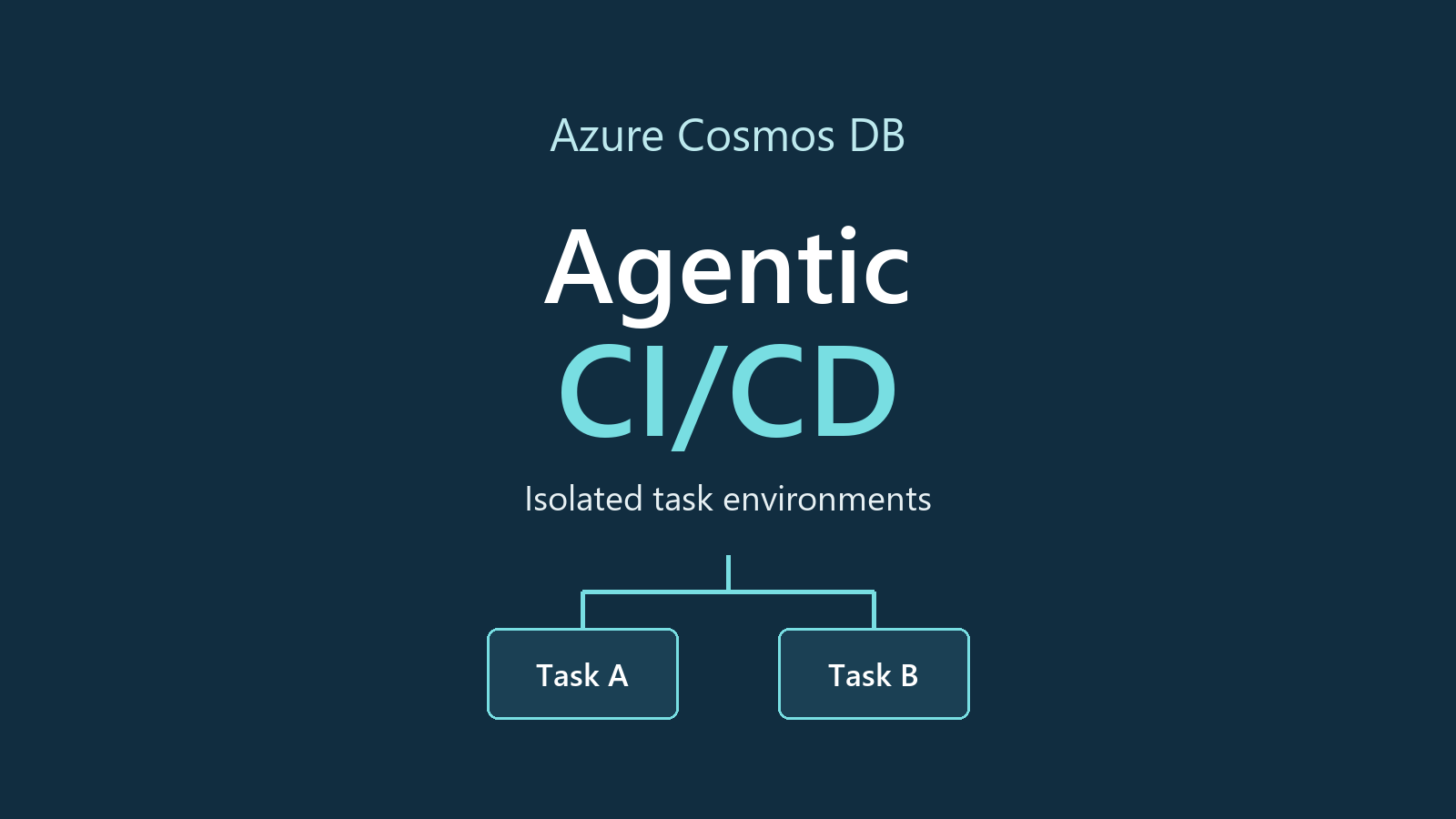
Give each coding task its own disposable database environment, then merge the reviewed changes – not the test database.
Read the article (opens in new tab)
Explore local data from the terminal with Azure Cosmos DB Shell. Connect to the emulator, inspect FleetCharge documents, run queries, and point-read depot partitions.
Read the article (opens in new tab)
Follow an AI application from a blank folder to a system built for production AI application development often starts with a promising prototype.
Read the article (opens in new tab)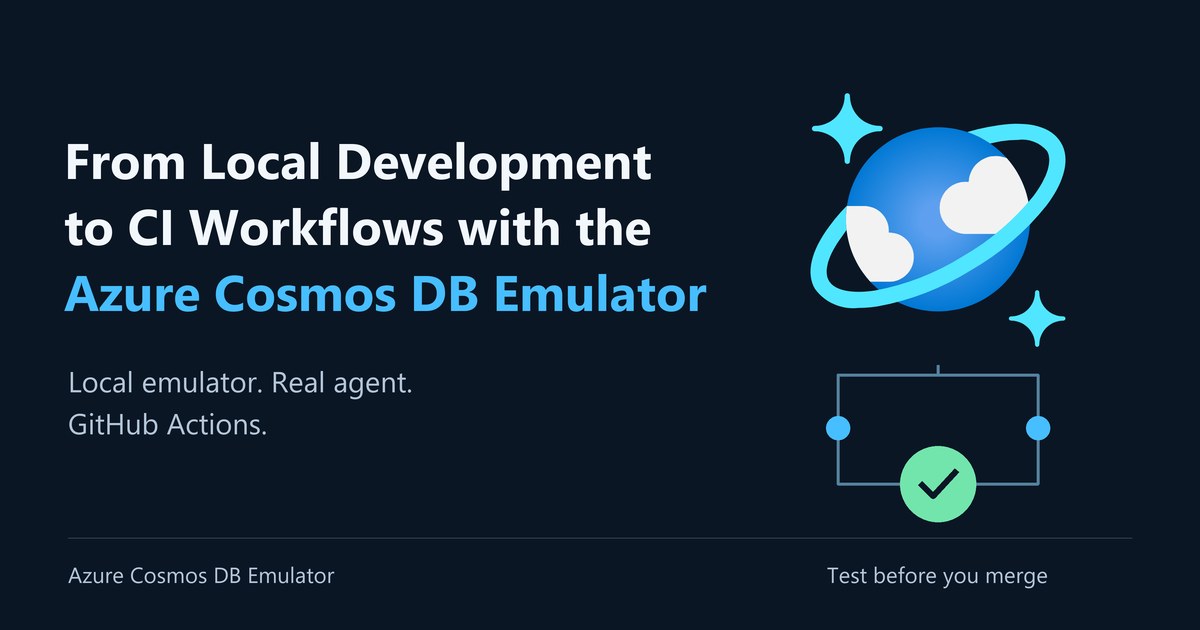
When you change a database-backed feature, a successful HTTP response isn’t enough. You need to know that the write reached storage, the application retrieved the updated record, and the next answer reflects it.
Read the article (opens in new tab)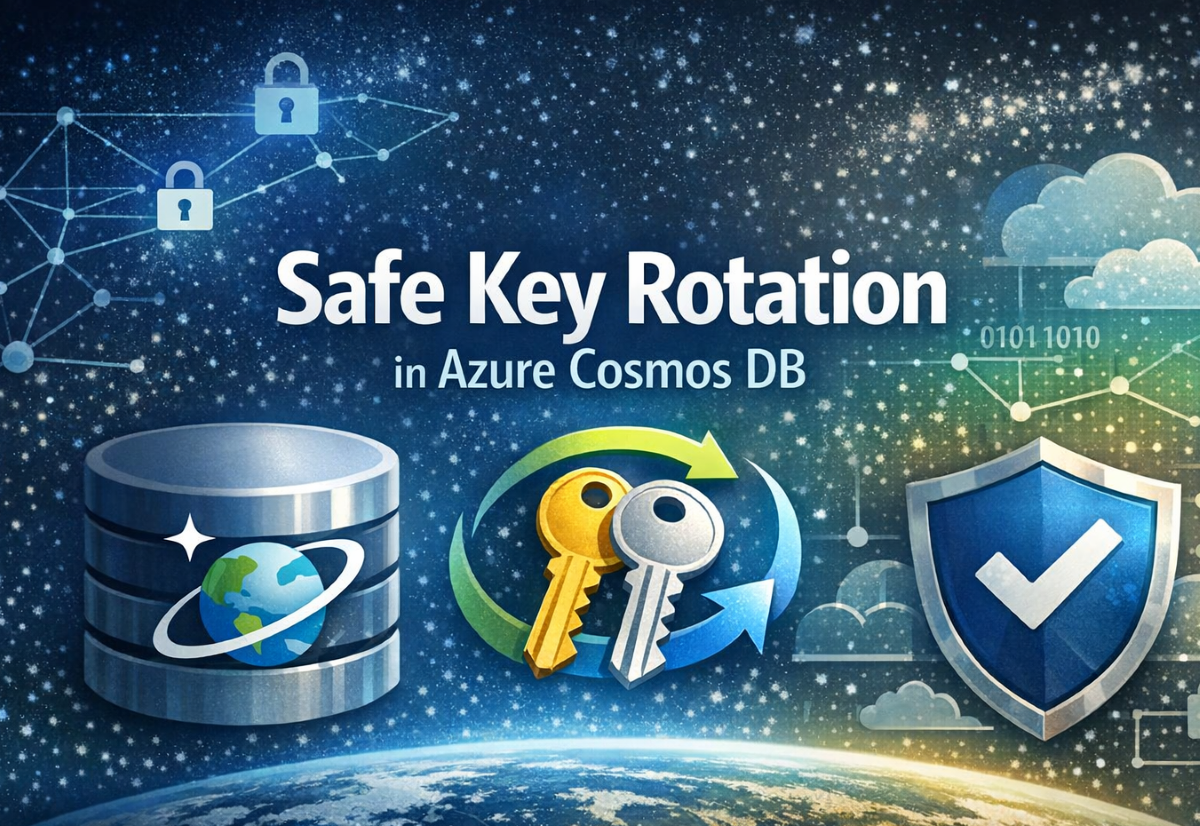
In our previous post, we introduced the private preview of Safe Key Rotation, a feature that helps Azure Cosmos DB customers avoid service disruptions during key rotations.
Read the article (opens in new tab)
Over a typical 2 day window, we record 10 times as many emulator sessions lasting more than 30 minutes for vNext as for the legacy emulator. Our bet is that agentic development is helping drive the difference!
Read the article (opens in new tab)
Co-authored with Praveen Raja P Azure Cosmos DB already includes a powerful event foundation: change feed provides a durable, ordered record of item changes within each logical partition.
Read the article (opens in new tab)Everything around the SDK: write and debug in your editor, let AI assistants work with your data, and plan and migrate your workload.
Write, run and inspect your data from the editor, the browser or your laptop.
Connect to your accounts, browse containers and run queries without leaving the editor.
Develop and test offline, with no Azure subscription and no service costs.
A web interface to browse data, run queries and inspect results, full screen.
Let coding assistants and agents work with Azure Cosmos DB, with the right guardrails.
Best-practice skills that help AI coding assistants avoid costly Azure Cosmos DB mistakes in modeling, partitioning and queries.
Manage accounts, databases and containers with natural language: query items, search by text or vector similarity, infer schemas.
An open-source Model Context Protocol toolkit that lets AI agents interact with Azure Cosmos DB securely.
Size your workload, then move your data in.
Estimate the request units your workload needs before you provision.
An open-source command-line app to import data into, or export it from, Azure Cosmos DB.
An AI-guided workflow in VS Code for moving from relational databases to NoSQL data models.
Ask a question. Share a build. Join a conversation. Choose the community that works for you.
Meet the people behind the possibility. Get inspired by the people who build, teach, and share, then find your own path from learner to community leader.

Azure Cosmos DB Cosmonaut / Microsoft AI MVP
Microsoft Regional Director
Shares practical guidance on AI memory patterns, token usage, and costs with Azure Cosmos DB.
View Chander's MVP profile (opens in new tab)
Azure Cosmos DB Cosmonaut / Microsoft Data Platform MVP
A community perspective on making better Azure Cosmos DB data-modeling decisions.
View Hasan's MVP profile (opens in new tab)
Azure Cosmos DB Cosmonaut / Microsoft Azure & AI MVP
Microsoft Regional Director
Shares distributed locks, sagas, and coordination patterns with Azure Cosmos DB.
View Eric's MVP profile (opens in new tab)From learner to community leader
Start by making a meaningful contribution. Grow expertise, help others, and build a body of work you're proud to share.
Understand the Microsoft MVP award (opens in new tab)Cosmonaut recognition and Microsoft MVP are separate. Passing DP-420 or participating does not guarantee either. Cosmonauts are nominated; there is no public Cosmonaut application process.
Get together with the community and the product team, and keep up with what's new.
Live and on-demand learning with a DP-420 discount request opportunity.
Join Data Days (opens in new tab)Explore Azure Cosmos DB sessions and meet the developer community. Onsite exam testing runs November 16-20.
Explore sessions (opens in new tab)The latest Azure Cosmos DB announcements from Azure Updates.
Safe Key Rotation for Azure Cosmos DB is now generally available. You can view timestamp metadata showing when each account key was last used, helping you identify…
Read the update (opens in new tab)As of March 31, 2026, new Azure Cosmos DB NoSQL accounts can no longer enable Azure Synapse Link.
Read the update (opens in new tab)Your AI coding agents just got smarter about building high-performance database applications.
Read the update (opens in new tab)You can now enable vaulted backups for Azure Cosmos DB accounts, protecting mission-critical data with secure, isolated, and resilient backups.
Read the update (opens in new tab)We are announcing the general availability of the Azure Cosmos DB Linux emulator (vNext), a cross-platform, Docker-based emulator for local development and testing against Azure Cosmos DB for NoSQL.
Read the update (opens in new tab)You can now automate embedding generation from multiple data sources into Azure Cosmos DB and other Azure destinations.
Read the update (opens in new tab)Building AI applications on Azure Cosmos DB just got simpler. With integrated embeddings, now in public preview, Azure Cosmos DB for NoSQL can automatically generate and…
Read the update (opens in new tab)The safe key rotation feature helps you confidently rotate your Azure Cosmos DB account keys by providing visibility into when each key was last used.
Read the update (opens in new tab)You can now accelerate the development of agentic applications with the new Agent Memory Toolkit for Azure Cosmos DB.
Read the update (opens in new tab)You can now improve the relevance of any Cosmos DB query or search with the public preview of semantic reranker in Azure Cosmos DB.
Read the update (opens in new tab)We are announcing the public preview of the Agentic Retrieval Toolkit for Azure Cosmos DB.
Read the update (opens in new tab)Global secondary indexes (GSIs) for Azure Cosmos DB are now generally available, giving you a powerful way to accelerate query performance without adding complexity to your application code.
Read the update (opens in new tab)